

Tools & Comparisons
12 min
Best Tableau Alternatives for Small Teams in 2026
Leaving Tableau as a small team? Match the replacement to which part of Tableau you keep and which cost, setup, or specialist burden you are trying to shed.
Read More


TL;DR — Best Quadratic alternatives in 2026
If you want dashboards, reports, scheduled updates, and alerts without writing code cells: Anomaly AI (database connectors, free tier). If you want AI inside your existing spreadsheet: Google Sheets + Gemini or Excel Copilot. If your team needs collaborative code notebooks: Hex or Deepnote. For quick visual analysis from uploads: Julius AI.
The core distinction: Anomaly AI is no-code because the analyst work becomes dashboards, reports, scheduled updates, and alerts from plain-English requests across Excel, GA4, ad account exports, BigQuery, Google Sheets, or MySQL. Quadratic takes a different path: a spreadsheet grid with Python, SQL, and JavaScript code cells baked in, aimed at users who want to transition from formulas to real code without leaving a familiar interface.
The alternatives split into three categories: no-code AI analysts that skip code entirely (Anomaly AI, Julius AI, ChatGPT), AI-enhanced spreadsheets that add intelligence to tools you already use (Google Sheets + Gemini, Excel Copilot, Rows), and collaborative notebooks for code-first teams (Hex, Deepnote, Observable). This guide covers all three.
| Tool | Best For | Starting Price | Key Differentiator vs Quadratic | Verdict |
|---|---|---|---|---|
| Anomaly AI | AI analyst workspace | Free tier | Dashboards, reports, and alerts without code cells | Best for analysis without code |
| Google Sheets + Gemini | Google ecosystem | Free / paid plans | AI in the spreadsheet you already use | Easiest if you live in Google |
| Excel Copilot | Microsoft 365 users | $30/user/mo add-on | Native Excel AI, no third-party plugin | Best for enterprise Excel |
| Julius AI | Visual analysis from uploads | Free / paid plans | Upload → charts, no code needed | Simplest for quick visualizations |
| Hex | Collaborative data teams | Free / paid plans | Notebooks → shareable apps | Best team collaboration |
| Deepnote | Data science teams | Free / paid plans | Real-time multiplayer notebooks | Best for collaborative data science |
| Observable | Interactive visualizations | Free / paid plans | Reactive JavaScript data apps | Best for developer-built dashboards |
| Rows | Automated spreadsheets | Free / paid plans | Built-in integrations + AI automation | Best for data-connected sheets |
| ChatGPT (ADA) | Quick ad-hoc analysis | Free / $20/mo | General-purpose AI + file analysis | Most accessible for casual use |
If you're considering Quadratic because you want useful analysis from your data but don't love the idea of writing Python, Anomaly AI removes the code step entirely. Ask for a dashboard, report, scheduled update, or alert in plain English. That's the core difference: Quadratic helps you learn code; Anomaly AI turns the analysis into a business-facing result.
Key capabilities:
Best for: Marketers, consultants, founders, and operators who want answers — not a coding environment. If your goal is "what happened in my data" rather than "I want to learn Python," this is the pick.
Pricing: Free $0 / Starter $16/month / Pro $25/month / Team $45/seat/month
Where Quadratic wins: If you specifically want to learn Python/SQL in a spreadsheet context, Quadratic is built for that transition. Anomaly AI doesn't teach you code — it gives you answers.
Google Sheets with Gemini (formerly Duet AI) adds natural-language assistance to the spreadsheet billions of people already use. Ask Gemini to generate formulas, clean data, create pivot tables, or summarize trends — all from a sidebar, no code cells required.
Key capabilities:
Best for: Teams already in Google Workspace who want AI assistance without switching tools. Zero learning curve if you know Sheets.
Pricing: Free (basic) | Google Workspace Business plans (see workspace.google.com/pricing for current Gemini-enabled tiers)
Where Quadratic wins: Quadratic lets you run actual Python and SQL inside the grid. Sheets + Gemini generates formulas and simple automation — it won't run a pandas script for you.
Excel Copilot is Microsoft's native AI layer in Excel — formula generation, chart creation, pivot tables, and data summarization from natural-language prompts. No add-on to install, no data leaving your Microsoft 365 tenant.
Key capabilities:
Best for: Organizations on Microsoft 365 that want AI in Excel without third-party tools or data exposure. Strongest option for regulated industries.
Pricing: Microsoft 365 subscription + Copilot add-on at $30/user/month
Where Quadratic wins: Quadratic is free to start, runs Python/SQL, and works in the browser. Copilot is locked behind a $30/user/month add-on on top of M365, and can't run arbitrary code.
Julius AI is the simplest path from file upload to chart. Upload a CSV or Excel file, ask a question, and Julius generates Python visualizations behind the scenes — no code to see unless you ask for it. Where Quadratic makes you a better coder, Julius hides the code completely. See our full Julius AI alternatives guide.
Key capabilities:
Best for: Non-technical users who want visual analysis without ever touching code. The "upload and ask" workflow is faster than building anything in a grid.
Pricing: Free tier | Plus $20/month | Pro $33–$45/month
Where Quadratic wins: Quadratic gives you a reusable workspace — formulas, code, and data all in one grid. Julius is conversational, so analysis isn't as persistent or composable.
Hex is the collaborative notebook that turns analysis into shareable apps. If Quadratic is "spreadsheet + code," Hex is "notebook + sharing." Your team writes SQL and Python in multiplayer notebooks, then publishes the results as interactive dashboards that non-technical stakeholders can use.
Key capabilities:
Best for: Data teams that write SQL/Python and need to share polished results with business users. Stronger on collaboration than Quadratic.
Pricing: Free tier | Paid plans available (see hex.tech/pricing)
Where Quadratic wins: Quadratic's spreadsheet interface is more familiar to non-coders. Hex assumes your team already codes — it's a notebook, not a grid.
Deepnote is a collaborative data science notebook with real-time multiplayer editing, SQL integration, and spreadsheet-like data views alongside Python cells. It's the closest to Quadratic's hybrid philosophy — mixing code and grids — but oriented toward data science teams rather than spreadsheet users.
Key capabilities:
Best for: Data science and analytics engineering teams that need Jupyter-like capabilities with real-time collaboration and scheduling.
Pricing: Free tier | Paid plans available
Where Quadratic wins: Quadratic's spreadsheet UI is more approachable for people who aren't data scientists. Deepnote is a notebook first — the grid is secondary.
Observable is a reactive JavaScript notebook platform built for interactive data visualization. Cells re-run automatically when upstream data changes — like a spreadsheet's recalculation, but for code. It's aimed at developers who want to build dynamic, interactive data apps.
Key capabilities:
Best for: Developers and data journalists building interactive, embeddable data visualizations. Not for spreadsheet users — this is a code-first tool.
Pricing: Free tier | Paid plans available
Where Quadratic wins: Quadratic is far more approachable. Observable assumes JavaScript fluency and is designed for building data apps, not analyzing spreadsheets.
Rows is a modern spreadsheet with 50+ built-in integrations (Stripe, HubSpot, Google Analytics, LinkedIn) and an AI assistant that automates data collection, cleanup, and reporting. If Quadratic adds code to spreadsheets, Rows adds live data connections and AI automation.
Key capabilities:
Best for: Marketing and ops teams that need live data from SaaS tools in a spreadsheet format without code or manual exports.
Pricing: Free tier | Paid plans available
Where Quadratic wins: Quadratic has Python/SQL/JS code cells — far more flexible for custom analysis. Rows is for integration-driven workflows, not code.
ChatGPT's Advanced Data Analysis is the lowest-friction option: upload a file, ask a question, get Python-generated analysis. No grid, no code cells, no workspace — just a conversation. Hundreds of millions of people already have access.
Key capabilities:
Best for: Quick one-off analysis when you don't want to set up a workspace. Already paying for ChatGPT Plus? You have this.
Pricing: Free tier | Plus $20/month | Business $20/user/month | Pro from $100/month
Where Quadratic wins: Quadratic gives you a persistent, reusable workspace. ChatGPT conversations are ephemeral — nothing carries over between sessions.
Start with your relationship to code:
For broader comparisons, see our best AI tools for data analysis and visualization guide.
Anomaly AI offers a free tier for no-code data analysis with database connectors. Google Sheets (with basic Gemini features) is free. Julius AI, Hex, Deepnote, and ChatGPT also have free tiers.
Quadratic offers a free tier that includes the core spreadsheet + code cell experience. Paid plans are available for team collaboration and advanced features.
Anomaly AI connects to GA4, BigQuery, Snowflake, MySQL, and Google Sheets natively. Hex and Deepnote connect to major data warehouses. Google Sheets and Rows have built-in integrations for common SaaS tools. Quadratic itself also supports database connections.
Anomaly AI and Julius AI require zero coding. Google Sheets + Gemini and Excel Copilot stay inside familiar spreadsheet interfaces. Hex, Deepnote, and Observable all assume some coding ability.
Not for most. Anomaly AI, Julius AI, ChatGPT, Google Sheets + Gemini, Excel Copilot, and Rows all work with natural language. Hex and Deepnote support AI code generation but are designed for teams that already code. Observable requires JavaScript.
Want analysis without code cells? Get started with Anomaly AI — connect databases, spreadsheets, and large files, then create dashboards, reports, scheduled updates, or alerts. No code required.
Experience AI-driven data analysis with your own spreadsheets and datasets. Generate insights and dashboards in minutes with our AI data analyst.
Founder, Anomaly AI (ex-CTO & Head of Engineering)
Abhinav Pandey is the founder of Anomaly AI, an AI data analysis platform built for large, messy datasets. Before Anomaly, he led engineering teams as CTO and Head of Engineering.
Continue exploring AI data analysis with these related insights and guides.
Leaving Tableau as a small team? Match the replacement to which part of Tableau you keep and which cost, setup, or specialist burden you are trying to shed.
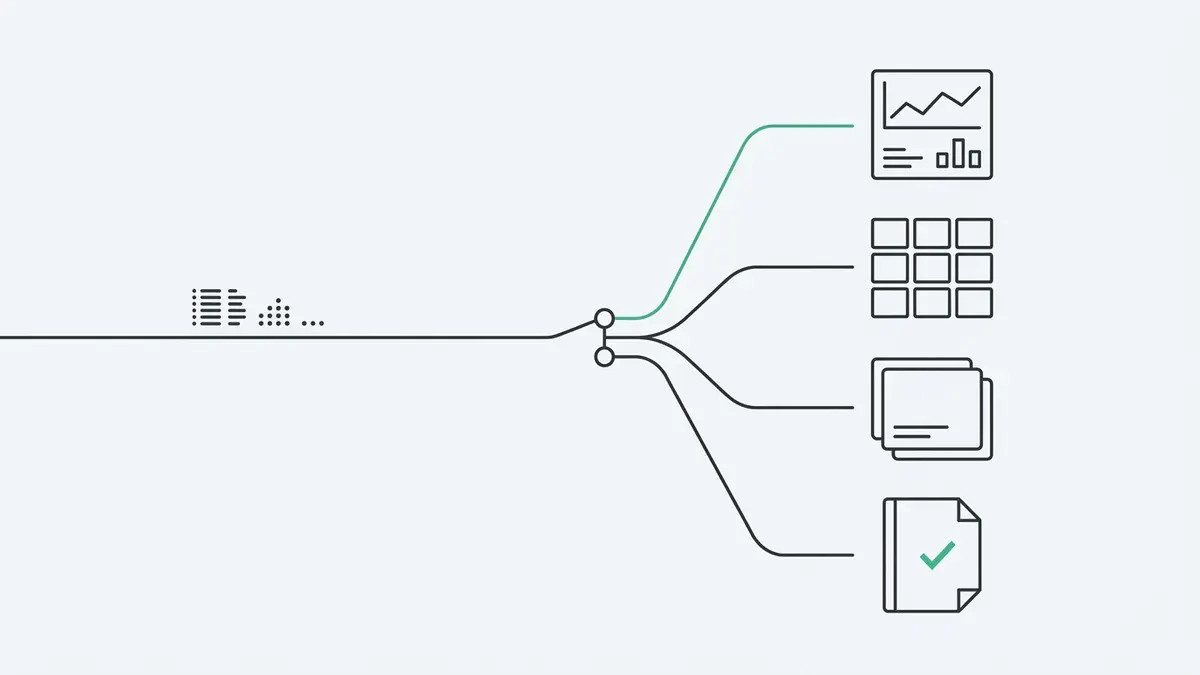
There is no single best Looker Studio alternative for GA4 reporting — the right move depends on the limit you have hit. A decision guide by constraint.

If you want answers, dashboards, reports, and alerts without dragging nodes across a workflow canvas, Anomaly AI is built for that.



