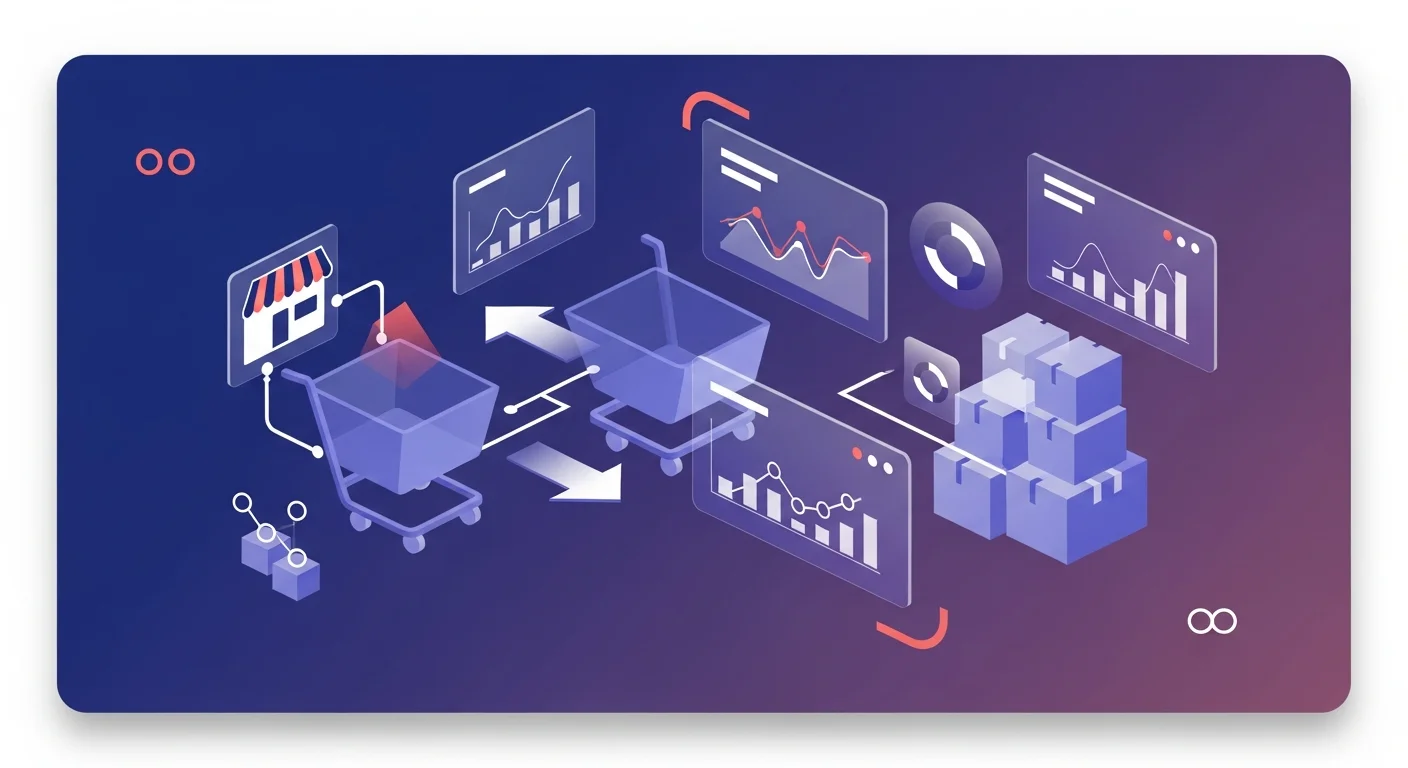
Every ecommerce operator we talk to has the same shape of problem. Orders land in Shopify. Traffic and events land in GA4. Ad spend lives in a dozen platforms. Inventory hides in a Google Sheet that one person on the team "owns." And by 10 AM on a Monday, a founder is already asking questions that none of those tools can answer cleanly: why did conversion drop yesterday, what did the weekend campaign actually produce, and which SKU is about to go out of stock before we can reorder. That gap — between operational data that already exists and operational answers that don't — is what AI analytics for ecommerce is really about in 2026.
This piece is a practical read for ecommerce operators who sit between spreadsheet dashboards and a full BI team. We built Anomaly AI for exactly this shape of data stack, and we've spent enough time with ecommerce teams to know the specific failure modes that matter: the tools that exist, the questions they can't answer, and where an AI data analyst actually pays for itself versus where it's hype.
Why Ecommerce Operators Need AI Analytics Tooling Now
Ecommerce is one of the few business categories where the data is relatively structured. Every order has a customer, a channel, a set of line items, and a timestamp. Every product has a SKU and a margin. Every session has a source and a device. None of this requires heroic data modeling — the schemas are well-understood and the formats are standardized.
What ecommerce operators don't have is answering capacity. The people who run the brand are marketers, operators, and founders. They don't write SQL. They don't want to wait three days for a dashboard from a BI analyst who doesn't know which campaign launched on Friday. And the off-the-shelf tools — Shopify's native reports, GA4's explorations, the ad platforms' own dashboards — each answer a sliver of the question without reconciling with the others. The result is a generation of ecommerce teams running on instinct and three browser tabs.
AI analytics for ecommerce is the category that tries to close this gap. The premise is simple: take the data that already exists, understand its structure, and let operators ask questions in plain English. When it works, the 10 AM question gets a 10:02 AM answer. When it doesn't, you've just added another dashboard to ignore.
The Real Data Stack Behind a Shopify Store
Before we talk about analytics, it's worth being honest about where ecommerce data actually lives. A typical D2C brand running on Shopify has at least five data surfaces:
- Shopify — orders, customers, line items, refunds, inventory snapshots. The source of truth for revenue.
- GA4 — sessions, events, attribution, acquisition channels. The source of truth for traffic and behavior.
- Ad platforms — Meta, Google Ads, TikTok, each with its own attribution model and reporting lag.
- A warehouse (often BigQuery or Snowflake) — where Fivetran, Airbyte, or another ELT pipeline sync all of the above for a unified query layer, sometimes along with the GA4 BigQuery export.
- Google Sheets — inventory, influencer deals, returns logs, vendor agreements, the manual fixes nobody ever migrates off sheets.
For a larger brand, add a MySQL replica of the Shopify data if they've built custom tooling, plus CRM and email platform exports. The stack isn't neat, but it isn't chaotic either. Each surface answers a different operational question; no surface answers them together.
This is the context AI analytics for ecommerce has to fit into. The tools that only look at Shopify miss GA4. The tools that only look at GA4 miss order economics. The tools that pull everything into a proprietary dashboard miss the flexibility operators actually need. The winning pattern is an analysis layer on top of the data that's already in the warehouse, not a sixth data surface.
The Five Operational Questions Ecommerce Teams Ask Every Day
The value of any analytics tool comes down to which questions it can answer fast. Based on the ecommerce teams we've built around, these are the five that matter most:
- "Why did conversion drop yesterday?" — a question that needs GA4 session data joined with Shopify order outcomes, usually sliced by device, source, and landing page.
- "What was the refund rate on the campaign we launched last week?" — needs order-level data joined with attribution, filtered to the campaign window, and adjusted for partial vs. full refunds.
- "Which channel actually drove this spike — GA4 says paid social, Shopify says direct?" — the classic attribution reconciliation question, which almost always requires looking at both systems side by side, not picking one.
- "Are we running out of the top 20 SKUs?" — needs inventory data (often in a sheet or a warehouse table), combined with recent order velocity per SKU, projected against lead time.
- "Which customer cohorts are repeating within 30 days?" — needs customer-level order history, grouped by first-purchase cohort, tracked over a rolling window.
None of these questions is exotic. All of them are operational. None of them is easy to answer in Shopify alone, or GA4 alone, or a sheet alone. They all need a join across two or three data sources, and they all need to happen in minutes, not days. If your analytics stack can't answer these in one flow, it's not doing the job for ecommerce. Google's own GA4 ecommerce metrics reference covers the event-level primitives; the operator's challenge is joining them to the commerce side.
Why General BI Tools Fail Ecommerce Operators
General BI tools — the kind a CFO buys for the finance team — fail ecommerce operators in three predictable ways.
They require SQL. Most ecommerce ops and marketing teams don't have a SQL analyst on staff. The tool gets bought, a consultant builds the initial dashboards, the dashboards go stale within a quarter, and the team goes back to exporting CSVs and building pivot tables.
Static dashboards don't survive campaign velocity. Ecommerce moves in weekly or even daily cycles. A dashboard built around "this quarter's focus SKUs" is useless by the next launch. The teams that win in ecommerce change what they measure every few weeks; the tools that win in ecommerce can be re-pointed at new questions in seconds.
The analyst bottleneck is worse in ecommerce than anywhere else. In most businesses, "I'll have the report Friday" is acceptable. In ecommerce, Friday is three campaigns too late. By the time a BI ticket gets answered, the promotion window has closed and the decision was made without the data.
These failures aren't the fault of the tools — general BI was never designed for the operator's rhythm. The category called AI analytics for ecommerce exists because operators need something structurally different.
How AI Analytics for Ecommerce Actually Works
The underlying mechanism is less magical than the marketing suggests, but it's useful. An AI data analyst that works for ecommerce does four things:
- Connects to the data that's already there. Not a proprietary ingestion layer — the warehouse you already pay for, the GA4 property you already run, the Sheet your ops lead already maintains.
- Understands the schema. It reads the column names, the table relationships, and the business logic encoded in the data (what a "conversion" means in your setup, what a refund looks like in your order flow).
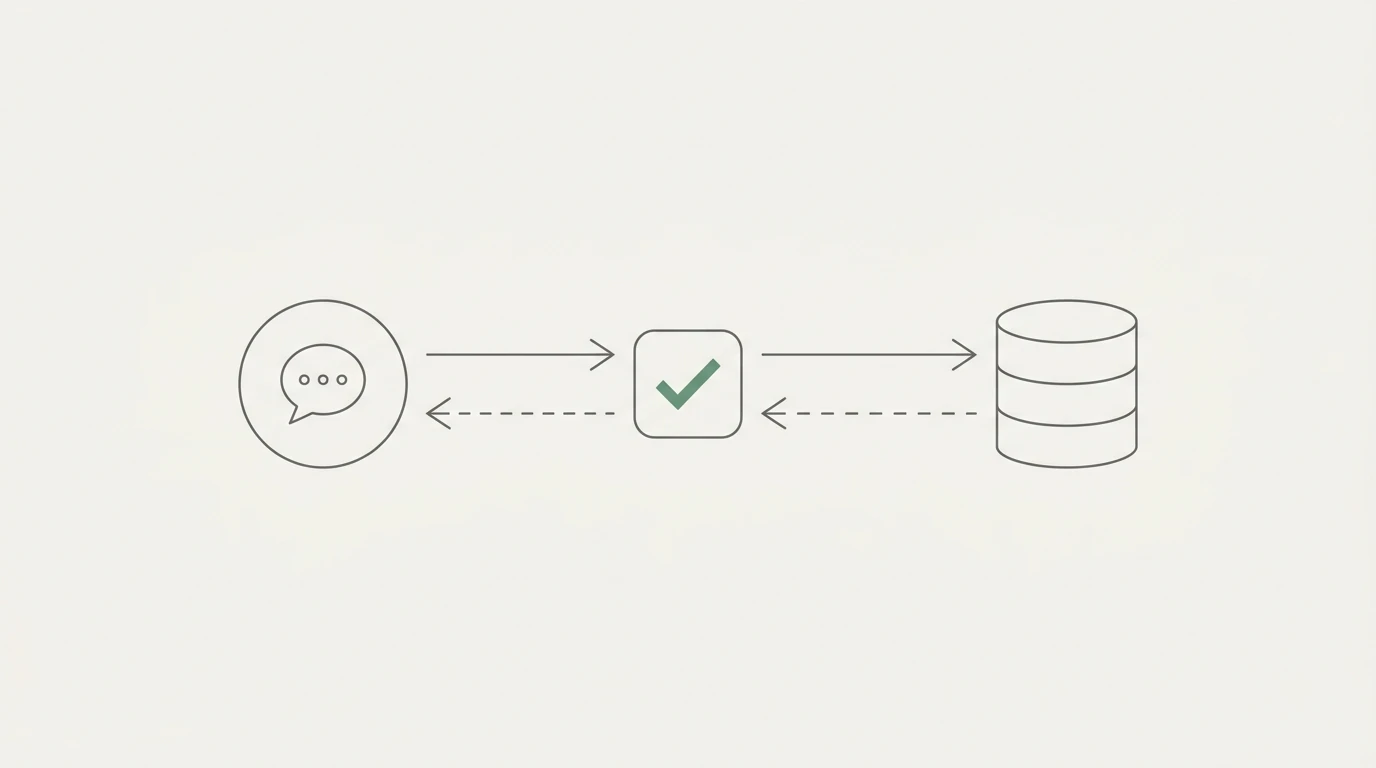
- Translates questions into SQL. You ask in English; it writes SQL; it runs it; it shows you the query alongside the answer so you can verify the logic.
- Joins across sources in a single question. The moment you need GA4 sessions and Shopify orders in the same answer, the tool does the join — you don't have to set it up in advance.
The last point is the one that separates the category from older BI. Traditional BI makes you model the join upfront. AI analytics for ecommerce makes the join on demand, from the question. That's why it maps so cleanly to operator velocity: the question is the schema.
Where Anomaly AI Fits: The Analysis Layer for Ecommerce Data
We built Anomaly AI as the AI data analyst for the data that already lives in your stack — and for ecommerce operators specifically, that stack is already in the shape we're good at.
Here's how the connector map lines up for an ecommerce team:
- BigQuery connector — point at the warehouse where Shopify (via Fivetran, Airbyte, or another ELT pipeline), GA4 (via the BigQuery export), and ad data already land. This is the primary path for mid-market ecommerce brands that have a warehouse.
- GA4 connector — traffic, events, attribution. GA4 connects via the GA4 API or BigQuery export — both paths work, and you can pick whichever matches your existing setup. For teams that already run the GA4 BigQuery export, our companion GA4 BigQuery export guide walks through the schema.
- MySQL connector — for operators running replication from Shopify to a MySQL warehouse, or teams on self-hosted commerce platforms.
- Google Sheets connector — inventory, influencer deals, returns logs, manual overrides. The messy operational layer almost always lives in Sheets.
- Excel upload — .xlsx, .xls, and .csv files up to 1GB for ad-hoc analysis: a dump of last quarter's orders, a vendor's catalog, a platform export.
We should be direct about one thing: we don't connect to Shopify directly today. The right pattern is to get Shopify data into BigQuery (or Snowflake, or MySQL, or a Google Sheet) via the sync tool you're probably already using, then point Anomaly AI at that source. This is how most serious ecommerce data stacks work anyway — Shopify's own analytics dashboard is for store owners; operational analytics lives in the warehouse.
Three things matter about how the analysis happens on top of that connector map:
- Traceable calculations. Every output keeps the logic, source data, assumptions, calculations, and relevant SQL inspectable. You can see whether it joined Shopify orders to GA4 sessions on the right key, or whether the "refund rate" it calculated excluded partials the way you wanted.
- Joining across sources on demand. The "paid social vs. direct" question needs GA4 and Shopify in the same breath. Drop both into the same workspace and ask.
- Pricing that matches how operators work. Free $0 / Starter $16/month / Pro $25/month / Team $45/seat/month. See the full ladder on our pricing page. No enterprise sales cycle to answer Monday's question.
The full connector list covers BigQuery, Excel, GA4, Google Sheets, MySQL, and Snowflake today. That's the operating range for most ecommerce data stacks.
Common Pitfalls in Ecommerce Data Analysis
A few reconciliation problems come up in almost every ecommerce data project. Any AI analytics tool for ecommerce has to handle these, and any operator using one should know they exist.
Shopify orders don't equal GA4 purchases. Shopify counts completed orders in your checkout. GA4 counts purchase events that fired in the browser. Ad blockers, consent banners, iOS tracking, and server-side vs. client-side event wiring all create gaps — and the gap is rarely symmetric. Teams that don't reconcile this end up making campaign decisions on numbers that can diverge materially. Google's own GA4 Ecommerce purchases report documentation explains the measurement scope; Shopify's analytics dashboard answers a different question. Treat them as complementary, not interchangeable.
Attribution drift between systems. GA4, Shopify, and your ad platforms each apply different attribution models. GA4 key events use data-driven attribution by default; Shopify marketing reports can be viewed as first click, last click, or last non-direct click depending on the report surface; ad platforms report platform-claimed conversions. A single campaign can look wildly different across these three. The right move is to pick one reporting surface as the canonical number for each question, document the choice, and stop trying to make them agree exactly.
Refund accounting. Raw order totals overstate revenue; strict net-of-refunds understates in-period performance because refunds often land after the reporting window. The operational compromise most teams settle on is revenue-cohort — revenue from orders placed in the period, net of refunds on those specific orders whenever the refunds happen. An AI data analyst should let you specify which definition you want per question.
Timezone drift. Shopify stores run in the merchant's timezone. GA4 tables are written in the property's timezone but default to UTC on query. Warehouse tables are whatever the pipeline wrote. For any intra-day or daily-breakdown question, timezone mismatch is almost always the real reason your numbers don't tie out. Set the timezone explicitly in every query that spans systems.
Decision Framework: When an AI Data Analyst Makes Sense
Not every ecommerce operator needs AI analytics today. Here's an honest matrix:
- Solo-founder store with a simple analytics stack. Shopify's native reports plus a GA4 property is usually enough. Adding AI analytics makes sense once you're running paid campaigns on multiple channels and can't reconcile them without help.
- Growth-stage brand with a warehouse and no dedicated analyst. This is the wedge: you have the data, you have the questions, and you don't have the analyst bandwidth.
- Mid-market ecommerce team with an internal analyst or BI function. The analyst team benefits from AI analytics for the ad-hoc tier of questions (so they can focus on long-run modeling) rather than the production dashboard tier. The tool is a co-pilot, not a replacement.
- Enterprise ecommerce with a full BI stack. You probably already have a Looker or Tableau instance. AI analytics sits alongside for the operator-tier questions that BI never answered well.
- Agency or consultant serving multiple stores. The connector breadth is the multiplier — one workspace, many clients' warehouses, one mental model. This is the highest-leverage use case we see.
If you're in the first or second bucket, start with the connectors you already have — BigQuery if you've done the warehouse work, GA4 if you're primarily attribution-driven, or Google Sheets for the spreadsheet-heavy ops layer. You don't need the full stack on day one.
FAQ
Does Anomaly AI connect directly to Shopify?
Not today. The working pattern for ecommerce teams is to sync Shopify to a warehouse (BigQuery, Snowflake, or MySQL) via Fivetran, Airbyte, or another ELT pipeline, then point Anomaly AI at the warehouse. If your ops data is still in Google Sheets, the Google Sheets connector covers that directly.
What data sources do I need to analyze ecommerce performance with AI?
The minimum is one source of truth for orders (warehouse, MySQL replica, or a Sheet/CSV export) plus GA4 for traffic. The full picture adds ad-platform exports and inventory data. See the full connector list for what's supported.
Is this just another ecommerce-specific tool like Triple Whale or Peel?
No. Anomaly AI is a general AI data analyst — BigQuery, GA4, Excel, Google Sheets, MySQL, Snowflake. Ecommerce is one of several verticals where the data stack fits naturally. The tradeoff versus ecommerce-specific tools is that we don't ship pre-built Shopify dashboards; the benefit is that we cover the whole data stack, not just Shopify, and you can ask any question rather than being limited to pre-built views.
Do I need BigQuery to use AI analytics for ecommerce?
No, though it's the most common setup for mid-market brands. You can start with Google Sheets, Excel uploads, or GA4 alone and grow into a warehouse as your data volume warrants it. The Free tier lets you test the workflow without committing to a warehouse.
How does this handle Shopify vs GA4 reconciliation?
It shows you both sides and the SQL that produced each number, so you can see exactly which orders, events, and filters each side is counting. The tool won't fake agreement — it shows the truth and lets you decide which definition is canonical for which question.
What does it cost?
Free $0, Starter $16/month, Pro $25/month, Team $45/seat/month. Full details on the pricing page. No enterprise sales cycle for the main tiers.
Getting Started
If you're running an ecommerce brand in 2026 and you've got data in a warehouse, in GA4, or in a Google Sheet you care about, the fastest way to test whether AI analytics for ecommerce actually delivers is to connect one source and ask one question you've been avoiding.
The three-minute version: Start with Anomaly AI. Connect your BigQuery warehouse, your GA4 property, or a Google Sheet of your ops data. Ask one of the five operational questions above. See the SQL the tool ran, verify it against your own mental model, and decide for yourself whether this replaces the Monday morning reconciliation ritual. Free $0 / Starter $16/month / Pro $25/month / Team $45/seat/month — pick the tier that matches your data volume, not a sales call.