Quick answer — Organic Search vs medium=organic
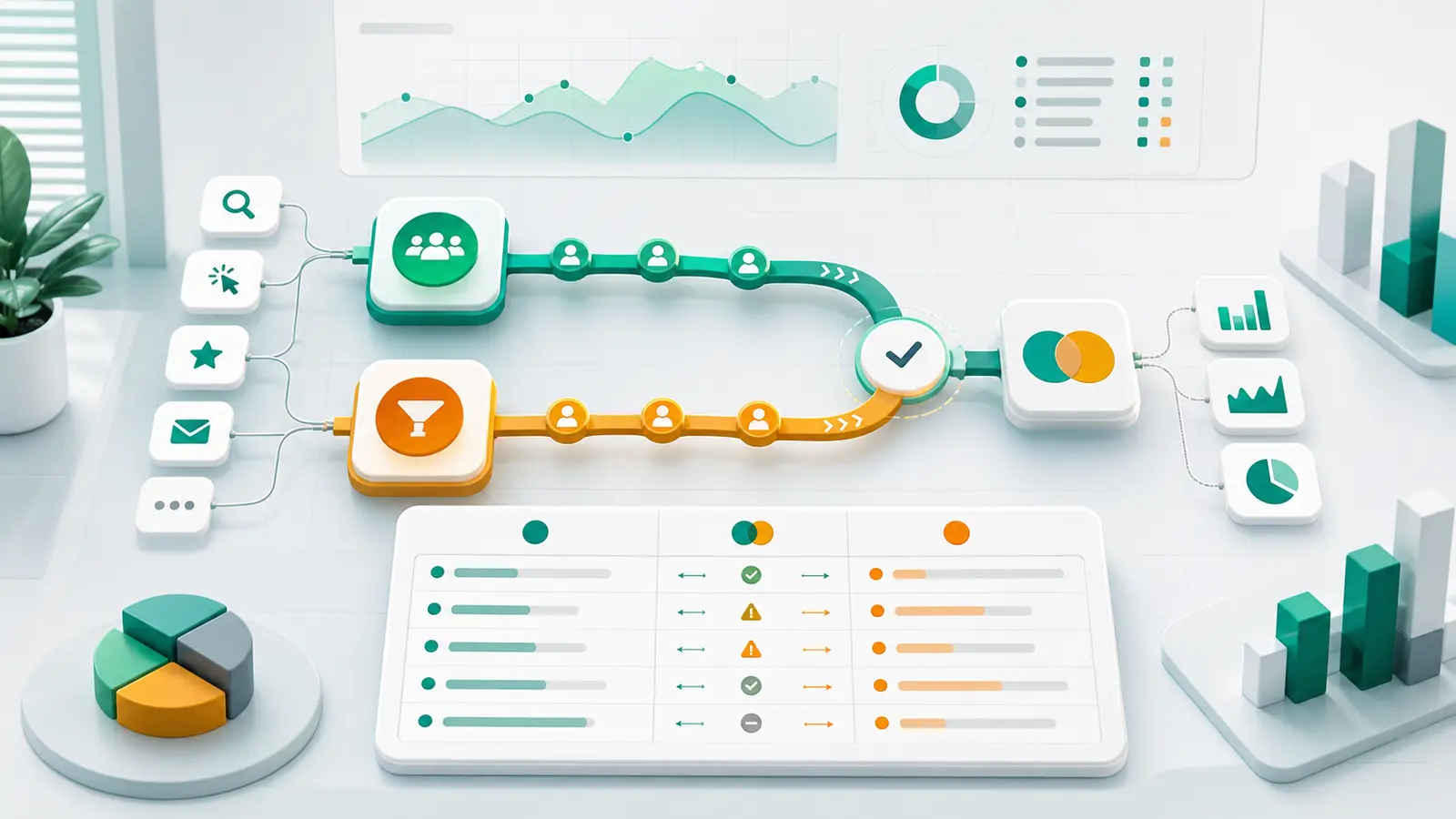
Organic Search is GA4's rule-based channel classification. medium=organic is a traffic-source filter. They overlap, but they can disagree when scope, report surface, filters, attribution dimensions, thresholding, or export logic differs. Reconcile them only after matching the date range, metric, dimension family, and reporting surface.
As a GA4 operator, you have probably faced this moment: one report shows one Organic Search total, another report filtered to medium=organic shows a different total, and a stakeholder wants to know which number is "real."
The answer is not that GA4 is broken. The answer is that the comparison is usually invalid unless scope, dimensions, metrics, filters, and reporting surface all match. Organic Search and medium=organic are close enough to look interchangeable, but they are not the same thing.
One is a rule-based channel classification. The other is a raw traffic-source value. If you treat them as synonyms, you end up fighting GA4 instead of explaining it.
This guide shows how to reconcile the two numbers, explain the mismatch without hand-waving, and decide which number belongs in the client report.
GA4's Default channel group is a rule-based classification system. Google defines channels such as Organic Search, Paid Search, Direct, Referral, Email, and others, then classifies traffic into those channels based on traffic-source data.
Google's docs are explicit on two points that matter here:
- Default channel groups are not editable in Google Analytics.
- Channels are rule-based definitions of traffic sources.
By contrast, Medium is a traffic-source dimension. It describes how traffic arrived, with common values such as organic, cpc, referral, social, email, or none.
So when you filter to medium=organic, you are filtering on one dimension value. When you look at Organic Search, you are looking at the output of GA4's channel-grouping rules.
For manual traffic, Google's Organic Search definition includes traffic where the source matches a search-site list or the medium exactly matches organic. That explains why the two can overlap heavily. It does not make them identical in every report, every scope, every date window, or every reporting surface.
Organic Search is GA4's channel classification. medium=organic is a traffic-source filter. They are related, but they are not interchangeable unless we match scope and report settings.
The First Trap Is Scope
Scope is where most GA4 attribution arguments go sideways.
GA4 organizes data as users, sessions, and events. A user can have multiple sessions, and a session can contain multiple events. Traffic-source dimensions can be scoped differently depending on what question the report is answering.
Google's default channel group documentation lists three related dimensions:
- First user default channel group: user scope, describing how users first arrived.
- Session default channel group: session scope, describing how users arrived when they initiated sessions.
- Default channel group: event scope, describing the channel by which users arrived and triggered a key event.
That means "Organic Search" is not a single universal number. It can be a first-user number, a session number, or an event-scoped attribution number depending on the dimension family.
Google makes the same point in its User acquisition vs Traffic acquisition documentation. User acquisition is scoped to new users and uses first-user dimensions. Traffic acquisition is scoped to new sessions and uses session dimensions. Google says not to compare metric values across those reports because the scopes differ.
| Business question |
Use this GA4 dimension family |
Avoid comparing it to |
| How did we first acquire new users? |
First user default channel group, First user source, First user medium |
Session source/medium totals |
| Which channels drove sessions in this date range? |
Session default channel group, Session source, Session medium |
First user acquisition totals |
| Which channel gets credit for key events? |
Default channel group / event-scoped traffic dimensions |
Session-only source/medium without matching metrics |
| Which exact tags are present? |
Source, Medium, Campaign, Source platform |
Broad channel totals without secondary dimensions |
If you compare First user medium to Session default channel group, you are not debugging GA4. You are mixing questions.
Why the Numbers Disagree
Once scope is clean, the mismatch usually comes from one of seven places.
1. Channel grouping is a rule; medium is a value
Organic Search is a rule-based channel. medium=organic is a dimension filter. A channel rule can use source, medium, source platform, campaign, and other traffic-source logic. A raw medium filter only asks whether one field has one value.
That is enough to create disagreement, especially when a report adds secondary dimensions, filters, landing page, campaign, or a different metric.
2. Manual tagging and auto-tagging can change classification
GA4 traffic-source data can come from manual UTMs, ad-platform integrations, and auto-tagging. Google's manual tagging and auto-tagging documentation says that when manual tagging and auto-tagging are used together, source, medium, and other classification dimensions use auto-tagged values.
It also says that if a GCLID or DCLID cannot be used and any UTM parameter is present, GA4 derives all cross-channel traffic-source values from UTM parameters. Missing UTM fields can create (not set) values.
That matters because your medium=organic filter only sees the final dimension value available in that report. It does not explain how the value was derived.
3. User acquisition and Traffic acquisition are different reports
The Traffic acquisition report shows where new and returning users come from using cross-channel traffic-source dimensions. The User acquisition report focuses on how new users first found the site or app.
If Organic Search comes from User acquisition and medium=organic comes from Traffic acquisition, the mismatch is expected. One report is about first acquisition. The other is about sessions.
4. Reports and Explorations are not perfect mirrors
Google's Reports vs Explorations documentation says differences can appear because of supported fields, filter matching, comparisons versus segments, retention, low user counts, behavioral modeling, and processing time.
Even the filter behavior can differ. Standard report search uses a contains match and is not case-sensitive. Explore filters can use exact, begins-with, or contains matching and can be case-sensitive.
So if someone says, "I checked it in Explore and got a different organic number," ask what fields, filters, segments, and date window were used before you treat it as a tracking issue.
5. API and UI comparisons need exact query parity
Google's Data API reporting expectations warn that Data API runReport results can differ from the GA UI.
Reasons include sampling, HLL++ approximation for metrics such as Active Users and Sessions, data thresholding, reporting identity changes, high-cardinality (other) rows, query specificity, and freshness. Google recommends matching date ranges, dimensions, metrics, and filters exactly.
There is one especially important API detail: filters do not look inside (other) rows and are applied after data has been aggregated and the (other) row has been generated. If your organic sessions are hidden inside a high-cardinality row, the API filter may not recover them.
6. (other) and thresholding can hide detail
The (other) row appears when a GA4 table exceeds row limits. GA4 surfaces the most common dimension values and condenses less-common values under (other). Reports with secondary dimensions, filters, or comparisons are more likely to trigger it.
GA4 can also apply data thresholds to protect user privacy. Narrow date ranges and low user or event counts can make thresholds more likely. Thresholds are system-defined and cannot be adjusted.
That can make an organic segment appear smaller or less detailed than expected, especially in a narrow report.
7. BigQuery export is deeper, not automatically identical
GA4 BigQuery export is useful for raw event-level analysis and deeper investigation. Google's Data API documentation points to BigQuery Export as the recommended path when a use case requires full raw event-level analysis.
But BigQuery export is not a magic parity switch. It is a raw analysis path. GA4 reports are aggregated reporting surfaces with their own processing, scopes, dimensions, identity settings, and thresholds. If you use BigQuery export to investigate the mismatch, label it as raw event analysis and rebuild the reporting logic deliberately.
This is also where the companion article Why Your GA4 Export Is Lying to You is useful. Most export mistakes come from row grain, unique counts, and scope mismatch.
A Practical Reconciliation Workflow
When Organic Search and medium=organic disagree, do not start by arguing over which number is bigger. Start with a reconciliation checklist.
- Name the business question. Are you explaining first-time acquisition, session traffic, key event attribution, landing-page performance, or exact tag values?
- Choose one scope. First user, session, or event. Do not mix them.
- Compare channel group and source/medium in the same reporting surface first. Use the same GA4 report, the same Exploration, or the same API request shape.
- Keep date range, timezone, filters, comparisons, and metrics identical.
- Start broad, then add detail. First compare channel group and source/medium. Add source platform, campaign, landing page, country, or device only after the base totals are clear. For paid campaigns, compare campaign performance once GA4 and Google Ads agree.
- Check for
(other), thresholding, low user counts, high-cardinality dimensions, and data freshness.
- If using the Data API, inspect response metadata such as
subjectToThresholding and dataLossFromOtherRow.
- If using BigQuery export, label it as raw event analysis. Do not promise a perfect match to GA4 report totals without rebuilding the same logic.
The stakeholder does not need all of that detail. You need it so the stakeholder answer is honest.
Discrepancy Matrix
| Symptom |
Likely cause |
What to check |
Stakeholder wording |
Organic Search is higher than medium=organic |
Channel rule may include recognized organic search sources beyond the exact filtered row setup, or the filter/report scope differs |
Compare Session default channel group with Session source/medium in the same surface |
"The channel is a GA4 classification, not just one medium filter." |
medium=organic is higher than Organic Search |
Raw medium values are being included outside the Organic Search channel view, or the dimensions are mixed across scopes |
Break out source, medium, source platform, campaign, and channel group together |
"The filter is catching tagged traffic that the channel report does not summarize the same way." |
| User acquisition organic and traffic acquisition organic differ |
User acquisition is user scoped; traffic acquisition is session scoped |
Check First user vs Session prefixes |
"One report tracks first acquisition; the other tracks sessions." |
| API result differs from GA4 UI |
Date, dimensions, metrics, filters, sampling, reporting identity, thresholding, (other), or data freshness |
Match the API request exactly and inspect API response metadata |
"The API and UI need identical query settings before we call this a real data issue." |
| Exploration differs from a standard report |
Unsupported fields, different filters, segment/comparison conversion, retention, thresholds, modeling, or processing time |
Check report fields, Explore filters, retention window, and data quality indicators |
"GA4 reports and explorations are different surfaces, not perfect mirrors." |
| Landing page organic report does not match channel total |
Added dimensions can change aggregation and high-cardinality rows can collapse into (other) |
Compare without secondary dimensions first, then add landing page |
"The total changed when we changed the row grain." |
Client-Safe Explanation Template
Use this when the client asks why the organic numbers do not match:
The Organic Search number and the medium=organic number differ because they are not the same GA4 dimension.

For this report, we are using [chosen dimension] because the business question is [question].

Scope: [first user/session/event]
Metric: [sessions/users/key events/etc.]
Date window: [dates and timezone]
Filters: [filters]

Checks run:
- Source/medium and channel group compared in the same surface
- Date range, metric, and filters matched
- Thresholding / (other) / data freshness checked
- API metadata or BigQuery export checked if relevant
- Tagging and source platform reviewed if relevant

Confidence: [high/medium/low]
Follow-up: [tagging fix/export check/custom channel group/etc.]
That explanation is not defensive. It is operational. It tells the client which number you are using, why it matches the question, and which checks were run.
Where Anomaly AI Fits
Anomaly AI helps with this work when the problem gets too big for a one-off GA4 screen share.
For GA4, Anomaly can connect directly through the GA4 API or through a GA4 BigQuery export. It can help analyze traffic sources, user behavior, conversions, attribution, funnels, and dashboards. The BigQuery connector can also generate transparent SQL for deeper, verifiable analysis of export data.
The useful claim is not that Anomaly magically fixes GA4. No serious analytics workflow should promise that. The useful claim is visible logic.
You can ask plain-English questions about the attribution mismatch, compare channel/source/medium logic, keep the scope and date range explicit, and review how the answer was produced. If the explanation needs supporting data, Anomaly can work with connected or uploaded sources such as BigQuery, Excel files, Google Sheets, MySQL, and Snowflake.
Start with the AI data analyst for GA4 page if this is a GA4 reporting problem, review the connector list if the analysis needs supporting sources, or use the traffic-drop companion piece How to Answer "Why Did Web Traffic Drop Last Week?" Without Fighting GA4 when the attribution mismatch is part of a broader traffic investigation.
Conclusion: Pick the Dimension That Matches the Question
Organic Search and medium=organic can disagree because they are not the same report object. Organic Search is GA4's rule-based channel classification. medium=organic is a traffic-source filter. Then scope, report surface, filters, thresholding, (other), API settings, and export logic can widen the gap.
The fix is not to pick the larger number. The fix is to pick the dimension and scope that match the business question.
If the question is first acquisition, use first-user dimensions. If the question is session traffic, use session dimensions. If the question is key event attribution, use event-scoped dimensions and the right metric. If the question is exact tag values, inspect source, medium, campaign, and source platform directly.
Once you do that, the argument changes. You are no longer asking, "Why does GA4 disagree with itself?" You are explaining, "These two numbers answer different questions, and here is the one that matches this report."
Ready to make GA4 reporting logic easier to inspect? Get started with Anomaly AI.