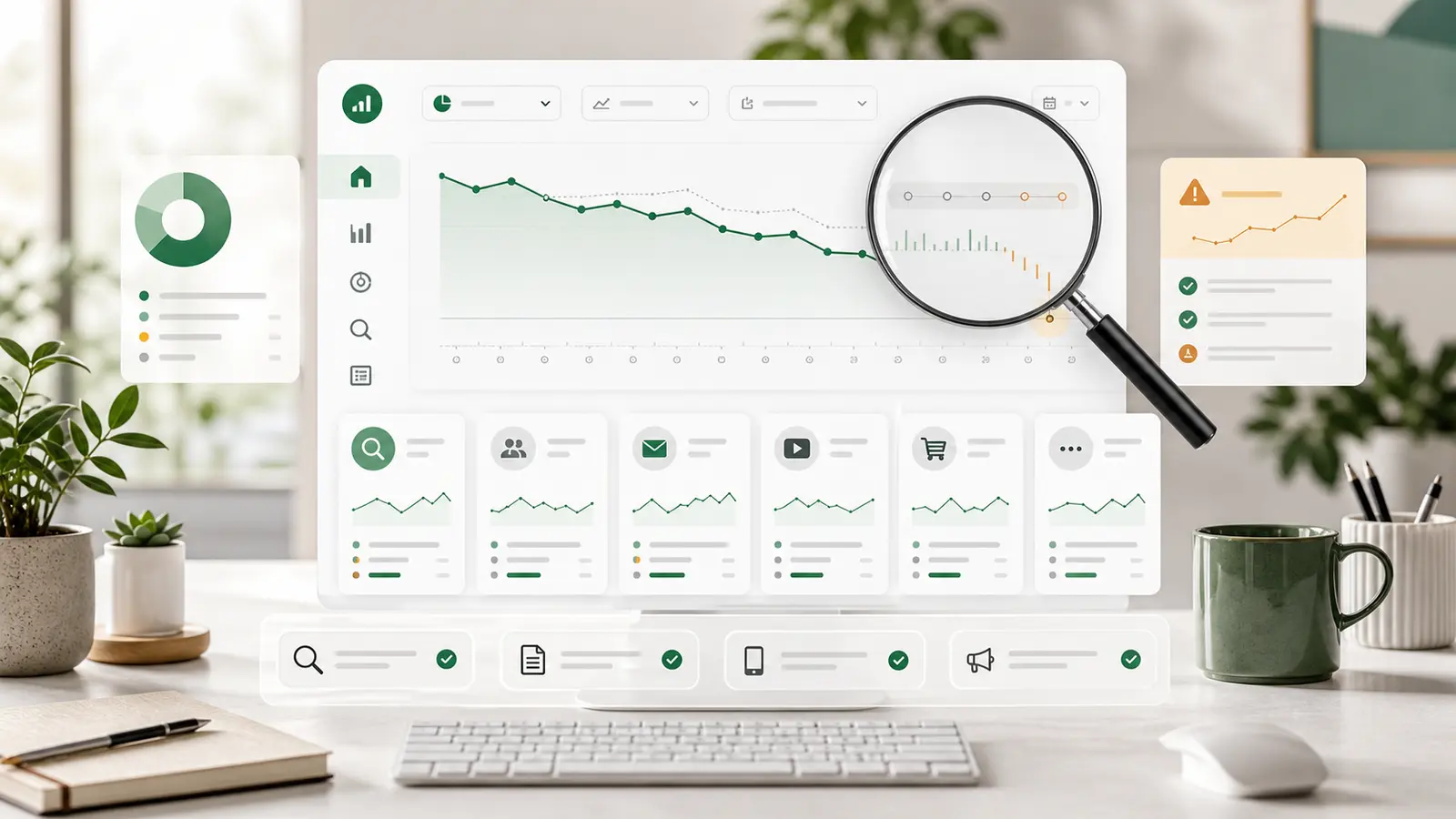
Quick answer — why web traffic dropped last week
To explain a traffic drop, first define the metric, date window, timezone, and drop shape. Check whether the recent GA4 window is still processing, then isolate whether the decline is site-wide or concentrated by channel, source/medium, landing page, device, country, campaign, or user type before naming a cause.
The question hits your inbox: "Why did web traffic drop last week?"
Your boss, client, or investor needs an answer before the next meeting. You do not have time to fight every GA4 quirk, debate every metric definition, or disappear into a dashboard rabbit hole. You need a fast, defensible explanation.
The trick is not to force GA4 to be simpler than it is. The trick is to stop asking it a vague question. "Traffic dropped" is not a diagnosis. It is a symptom.
Your job is to define the question, isolate the shape of the drop, cross-check the evidence, and write the answer in plain language. Was the drop real? Was it a reporting artifact? Did one channel fall? Did one page lose search visibility? Did a campaign or tracking change move sessions into the wrong bucket?
That is the workflow. Not a tour of GA4. A scoped answer people can act on.
Before you dive into dashboards, identify the shape of the drop. A web traffic drop can mean several different things, and each one sends you down a different path.
Start with five questions:
- Which metric dropped: users, Active users, sessions, events, search clicks, leads, or revenue?
- Which date window and timezone are you comparing?
- Are you comparing the same weekdays, or just the previous calendar range?
- Is the recent window fully processed?
- Is the drop site-wide, or concentrated in a channel, source/medium, landing page, device, country, campaign, or user type?
If you skip those questions, GA4 will make the investigation feel harder than it needs to be. You might compare Active users to Total users, a session-scoped report to a user-scoped report, or finalized historical data to a current period that is still processing.
Google's GA4 data freshness documentation says data processing can take 24-48 hours, and reports can change during that window. Intraday data can also have temporary gaps in event-scoped traffic-source dimensions such as source, medium, campaign, and default channel group.
So if the "drop" is mostly yesterday or the last two days, do not overstate it. Label it provisional. Then move to the shape.
A drop across every channel at the same time usually points to tracking, deploy, consent, site availability, or GA4 configuration. A drop in one channel points to acquisition. A drop on one landing page points to a page problem. A drop in one device or country points to a segment problem.
Shape first. Cause second.
Step 1: Prove Whether the Drop Is Real or Definitional
Many GA4 traffic drops are not business drops. They are definition drops.
That does not mean the data is fake. It means the report changed the question.
GA4's user metrics are a common example. Google defines Total users as unique users who triggered any event in the selected date range. Active users are unique users who engaged with the site or app in that same date range. New users and Returning users answer different questions again, and Google notes that thresholding can contribute to discrepancies between these numbers in its user metrics documentation.
That matters when a stakeholder says "traffic." Do they mean Active users? Total users? Sessions? Organic clicks? Leads? If Active users are down but Total users are stable, the issue may be engagement. If sessions are down but users are stable, the issue may be repeat visits. If organic clicks are down in Search Console, that is different from GA4 reclassifying sessions.
API, UI, and export differences can also create false panic. Google's Data API reporting expectations explain that reports can differ because of sampling, aggregation, HyperLogLog++ approximations for unique counts, thresholding, reporting identity, the (other) row, and mismatched date ranges, dimensions, or metrics.
The practical version:
- Do not compare a dashboard metric to an exported metric unless the date range, timezone, dimensions, and metric definitions match.
- Do not sum unique users across rows and expect the total to match.
- Do not compare first-user acquisition to session acquisition as if they are the same.
- Do not treat a recent reporting window as final if GA4 is still processing it.
If the investigation involves exported GA4 data, keep the companion article Why Your GA4 Export Is Lying to You nearby. It covers Total users, year-over-year windows, row grain, and double counting in more detail.
Before you call the drop real, rule out these definition problems:
- Active users versus Total users.
- User-scoped versus session-scoped acquisition.
- Event-scoped traffic-source fields versus session-source fields.
- Reporting identity changes.
- Thresholding or
(other) rows.
- API/UI/export mismatch.
- Recent data still inside GA4's processing window.
Only after those are clean should you move from "the report dropped" to "traffic dropped."
Step 2: Split by Acquisition Scope Before You Blame the Site
Once the metric is worth investigating, split the drop by acquisition scope.
GA4's Traffic acquisition report is designed to show where website and app visitors come from. It includes new and returning users and uses session-scoped cross-channel traffic-source dimensions such as session source, session medium, session campaign, and default channel grouping.
For a last-week traffic drop, that is usually the right starting point because the question is about recent sessions.
Do not confuse it with User acquisition. Google's comparison of User acquisition and Traffic acquisition explains that User acquisition is scoped to new users, while Traffic acquisition is scoped to new sessions. The dimensions differ too: User acquisition uses first-user dimensions; Traffic acquisition uses session dimensions. Google warns that values across the two reports can differ because the scopes are different.
This is where a lot of rushed analysis goes wrong.
If new users dropped, you may have an acquisition problem. If sessions dropped but new users did not, you may have a re-engagement, campaign, direct traffic, attribution, or returning-user problem. If one campaign source disappeared and Direct rose, the issue may be tagging before demand.
Google's traffic-source dimension documentation separates user, session, and event scopes for a reason. Pick the scope that matches the stakeholder's question.
Then split the data:
- Channel: Organic Search, Paid Search, Direct, Referral, Social, Email, and other configured groups.
- Source/medium:
google / organic, campaign mediums, referral domains, email platforms, or paid traffic sources.
- Campaign: current campaign names, UTM changes, and ad-platform delivery.
- New versus returning: whether the problem is first-time acquisition or repeat visits.
If every channel drops together, do not invent a channel story. Check the site, tags, consent, deploys, filters, and availability. If one channel drops, investigate that channel. If one source/medium shifts into Direct, inspect UTMs, redirects, and tagging.
Step 3: Isolate the Broken Segment
A vague drop is hard to explain. A segmented drop is useful.
After you identify the affected channel or source, break it down by landing page, device, geography, campaign, and user type. The shape tells you where to look next. If the drop sits in paid traffic, analyze performance by campaign before changing budgets.
If one landing page causes most of the decline, it is not a whole-site traffic collapse. Check whether that page changed, redirected, lost indexability, changed canonical tags, or stopped ranking for key queries. If one country dropped, look for local demand, localized ranking movement, regional campaign changes, consent behavior, or availability. If one device dropped, check rendering, performance, and recent changes that might affect that device class.
For organic search, GA4 alone is not enough. Search Console measures Google Search before the visit reaches your site. Its Performance report includes clicks, impressions, CTR, average position, queries, pages, countries, devices, search appearance, and dates.
That external check changes the answer.
If GA4 Organic Search sessions dropped and Search Console clicks or impressions dropped too, you are likely looking at a real search demand, visibility, ranking, page, or seasonality issue. If Search Console clicks are stable but GA4 organic sessions dropped, traffic may still be reaching the site while GA4 collection, attribution, redirects, landing-page behavior, or source/medium classification changed.
Search Console can also be linked into GA4. Google says the integration exposes Google Organic Search Queries and Google Organic Search Traffic reports, keeps Search Console data for 16 months, and makes Search Console data available in Search Console and Analytics 48 hours after collection. It also notes compatibility limits: Search Console metrics work with Search Console dimensions and the GA dimensions Landing page, Device, and Country (Google Analytics Help).
That lag matters. If the traffic question is about the most recent day, Search Console may not be fully caught up either.
For paid traffic, check the ad platform or an exported campaign sheet. GA4 can show that paid sessions dropped, but the ad platform can tell you whether spend, clicks, campaign status, targeting, or delivery changed. For email, check send volume and campaign links. For referrals, check the referring source.
Your goal is not just "traffic dropped." Your goal is "traffic dropped in this segment, and this other source confirms or contradicts it."
Step 4: Separate Demand, Ranking, Tracking, and Reporting Problems
At this point, classify the issue. Most traffic-drop answers fall into four buckets: demand, ranking or visibility, tracking, and reporting.
A demand problem means fewer people looked for, clicked, or needed the thing. Seasonality, holidays, market events, category shifts, and campaign timing can all matter here. If organic impressions are down, paid impressions are down, or campaign delivery fell, the answer may be external to the site.
A ranking or visibility problem is most relevant for organic search. Search Console is the first check. Google's own traffic-drop guide recommends confirming property definitions, separating page-level from site-wide drops, comparing against a previous period, checking for manual actions/security issues, considering site moves, recrawl timing, and seasonality.
A tracking problem means the visits may still be happening, but GA4 is not collecting or classifying them correctly. All channels dropping together is a tracking or site-wide availability smell. A campaign source disappearing while Direct rises is a tagging smell. A drop that starts exactly when a deploy, consent change, redirect, or tag change happened deserves a technical check.
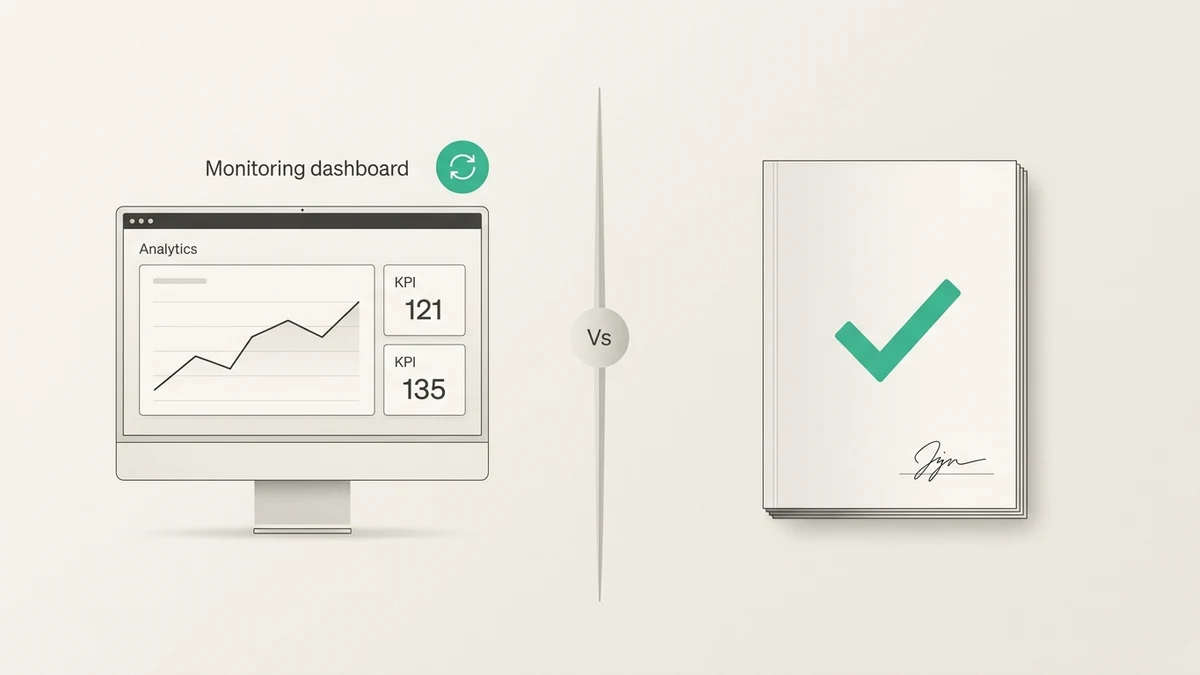
A reporting problem means the collected data is plausible, but the surface is misleading. The window is too fresh. A dashboard switched metrics. A report mixed user, session, and event scope. A narrow segment is thresholded. A spreadsheet summed non-additive users. The answer is not "traffic vanished"; it is "the report is answering a different question."
Do not skip this classification. Stakeholders do not need every chart. They need to know which class of problem they are looking at.
A 15-Minute Traffic Drop Decision Matrix
Use this matrix before you write the update. It keeps the answer grounded in evidence instead of panic.
| What you see |
Likely cause |
Check next |
Stakeholder answer |
| Every GA4 channel drops together |
Site, tag, deploy, consent, or GA4 config issue |
Deploy log, tag firing, GTM, data filters, site availability |
Treat this as measurement or site-wide availability first. |
| Organic Search drops in GA4 and Search Console clicks or impressions also drop |
Search demand, visibility, ranking, or page issue |
Search Console Performance by pages, queries, devices, and countries |
Organic search really moved; next step is page/query diagnosis. |
| GA4 organic drops but Search Console clicks are stable |
Collection, attribution, landing page, or reporting issue |
Landing page, session source/medium, tags, redirects |
Search traffic reached the site; GA4 classification or collection changed. |
| One landing page causes most of the drop |
Page-specific issue |
Search Console pages, redirects, canonicals, content or deploy history |
This is not a whole-site traffic collapse. |
| One device or country dropped |
Segment-specific issue |
Device/country reports, QA, local campaign or ranking checks |
The problem is constrained to a segment. |
| Only yesterday or the last two days look low |
Data freshness |
GA4 freshness status, wait for daily data |
Too fresh to call; label it provisional. |
| Campaign/source disappears while Direct rises |
UTM, referrer, or tagging issue |
Campaign URLs, redirects, auto-tagging, ad platform export |
Attribution changed before demand did. |
This is not the whole investigation. It is the meeting answer starter. You can go deeper after the room understands which class of problem you are dealing with.
Turn the Diagnosis Into a Stakeholder Answer
Once you have the shape, write the answer. Do not send a dashboard tour. Do not hide behind "GA4 is complicated." Say what changed, what did not change, what evidence supports it, how confident you are, and what happens next.
Use this template:
Traffic was down [amount] last week because [segment] changed, not because [excluded causes].

Evidence:
- GA4: [metric + report + date comparison]
- Search Console / ad platform / export: [external confirmation or contradiction]
- Change log: [deploy, tagging, campaign, seasonality, holiday, site event]

Confidence: [high / medium / low]
Next action: [one owner + one next check]
Do not invent the amount because the meeting starts in five minutes. If the data is still processing, say so. If Search Console has not caught up, say so. If you only know the segment but not the cause, say that too.
A useful answer might sound like this:
"Traffic was down last week because Organic Search sessions to a small group of landing pages changed, not because every channel dropped. GA4 and Search Console both show the decline in that segment, while paid, referral, and direct traffic were stable. Confidence is medium until we finish the page/query check. Next action: SEO owns the Search Console query and page review today."
That answer is not perfect. It is useful. It tells people what happened, what did not happen, how confident you are, and who owns the next check.
How Anomaly AI Helps Without Pretending GA4 Is Simple
GA4 traffic-drop work usually turns into a pile of tabs: GA4, Search Console, ad dashboards, spreadsheets, campaign notes, deploy logs, and maybe a BigQuery export. The hard part is not opening the tabs. The hard part is turning them into one defensible explanation.
Anomaly AI is built for that kind of operational analysis. It is an AI data analyst for GA4 investigations and business reporting, built for teams whose data is growing faster than their tools. For GA4 work, Anomaly can connect through the GA4 API or a GA4 BigQuery export, then help analyze traffic sources, user behavior, conversions, attribution, funnels, and dashboards. You can also work with supported sources such as BigQuery, Excel, CSV, Google Sheets, MySQL, and Snowflake.
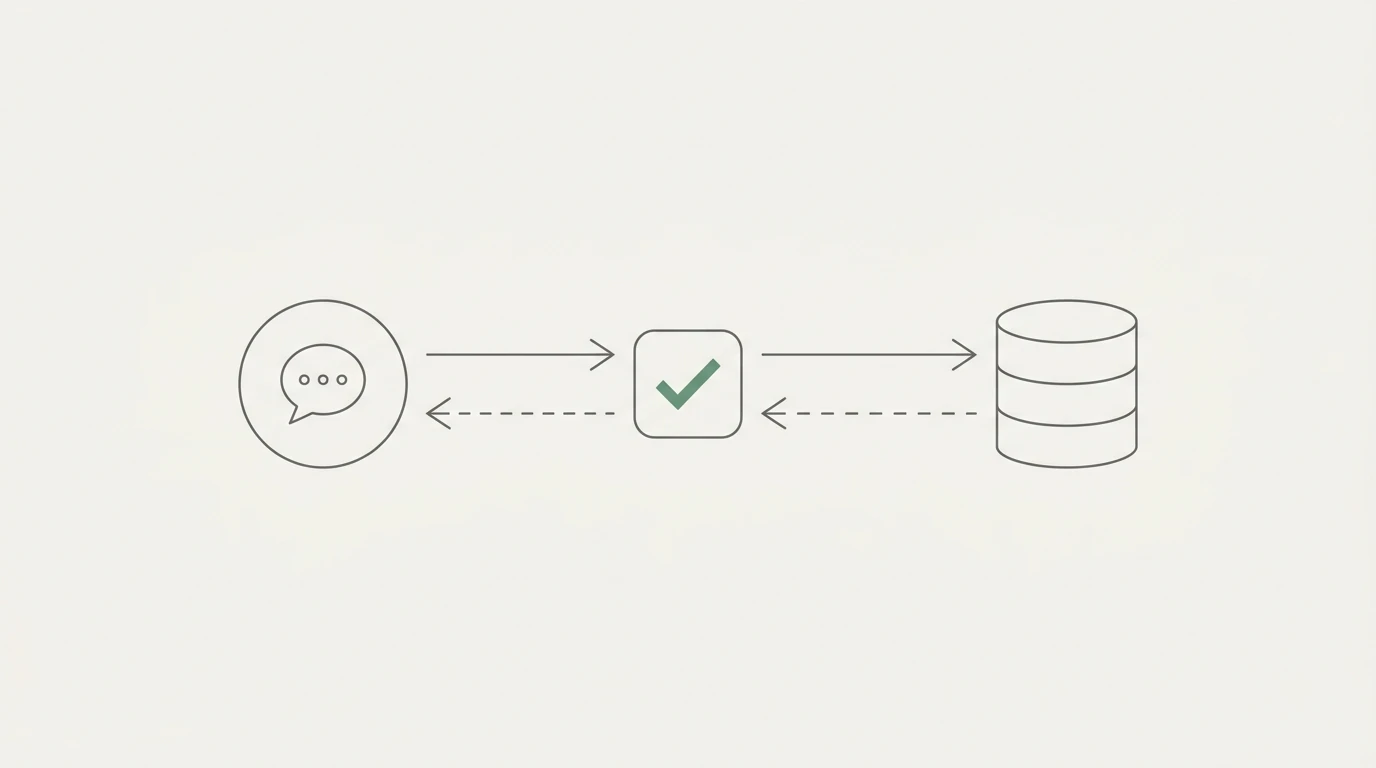
The important claim is not "magic root cause." No serious analytics tool should promise that. The useful part is inspectable logic. You can bring GA4 data together with supported connected data or uploaded exports, ask the traffic-drop question in plain English, inspect the SQL-backed analysis, and turn the result into a stakeholder-ready answer.
If your traffic explanation depends on Search Console or ad data, use the direct Search Console report, linked GA/Search Console reports, uploaded exports, spreadsheets, or ad platform exports as appropriate. Do not pretend one report has every answer. The job is to assemble evidence cleanly.
Start with the AI data analyst for GA4 page if your immediate problem is GA4 reporting, review the current connector list if you need to bring in supporting data, or keep the GA4 traffic drop diagnosis checklist next to this article for a broader troubleshooting sequence.
Conclusion: Stop Fighting GA4 and Write the Explanation
The next time someone asks why web traffic dropped last week, do not just stare at GA4.
Define the metric. Check freshness. Match the comparison window. Split by acquisition scope. Isolate the broken segment. Cross-check organic search, paid activity, campaign exports, or change logs. Then write the answer in a sentence a stakeholder can understand.
You are not trying to prove GA4 is right or wrong. You are trying to produce a scoped explanation with evidence.
If your team is tired of turning every GA4 question into a spreadsheet fight, use Anomaly AI to connect your data, inspect the logic, and turn messy traffic questions into verifiable answers.
Get started with Anomaly AI.