Quick answer — generate QBR PPT slides from BigQuery data
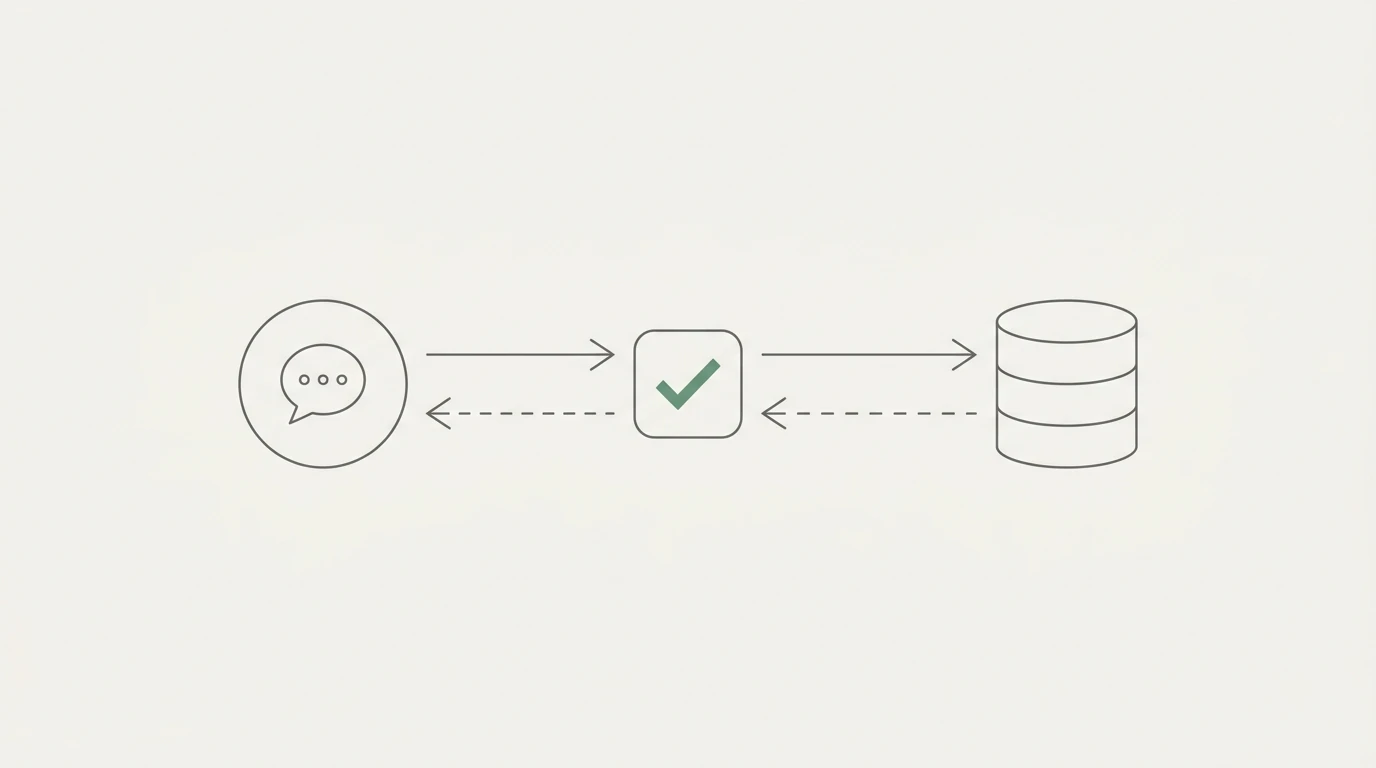
To generate client-ready QBR PPT slides from BigQuery data, start with the QBR question, lock metric definitions and date windows, query the source tables, build a slide-by-slide narrative with evidence and caveats, review every calculation, and only then export the story into PowerPoint. The goal is a defensible client narrative, not an unreviewed chart dump.
Quarterly business reviews are critical touchpoints for agencies, consultants, and operations teams. But when the deadline is close, the pressure to deliver can push teams toward the weakest version of reporting: pull a few warehouse charts, paste them into a deck, add a polite summary, and hope nobody asks how the number was calculated.
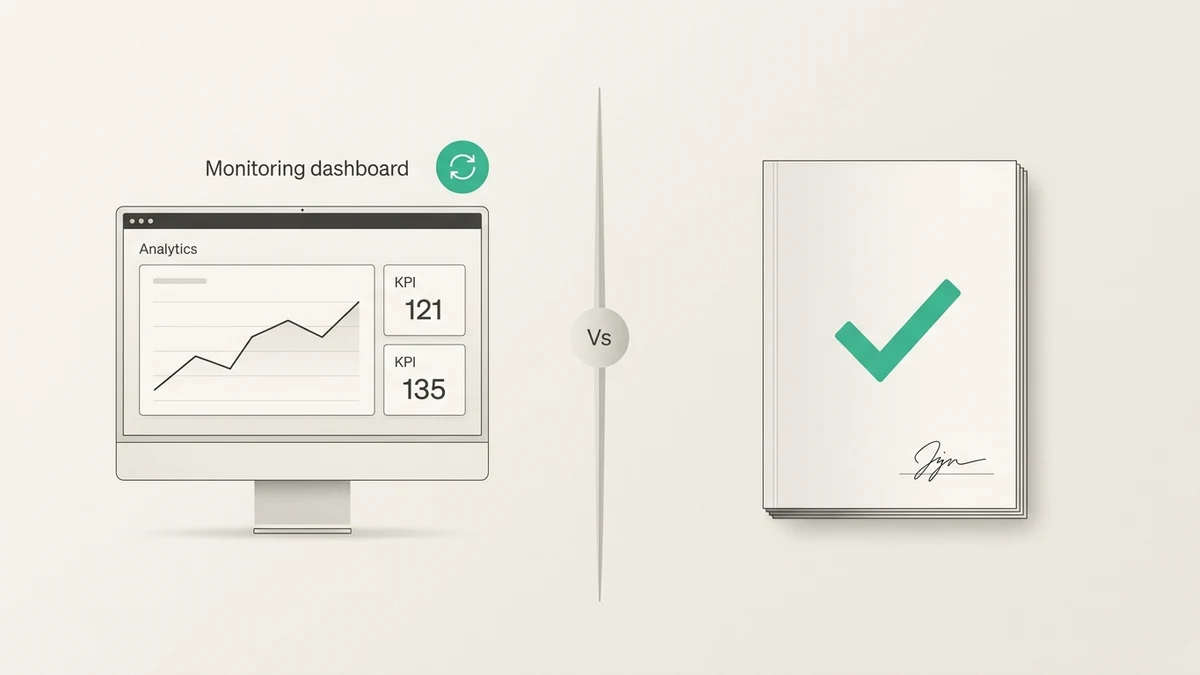
That is not a client-ready QBR. It is a screenshot collection.
To generate QBR PPT slides from BigQuery data that a client can actually trust, you need to turn source-backed analysis into a narrative your team can defend. The deck should show what changed, why it matters, what evidence supports the read, what remains uncertain, and what action comes next.
Why Last-Minute QBR Decks Fail When They Start With Charts
The most common mistake in last-minute QBR prep is starting with visual design. You open the slide template, look for empty chart slots, and start filling boxes.
That usually creates a chart dump, not a business review.
The failure mode is predictable:
- Mismatched date windows: One slide uses the quarter, another uses a trailing 90-day period, and a third uses whatever period the source table happened to contain.
- Undefined KPIs: "Conversions," "customers," "pipeline," and "revenue" mean slightly different things across slides.
- Hidden caveats: Late-arriving data, incomplete exports, low-volume segments, and tracking changes get buried because the deck is already designed.
- Metric definitions no one can defend: When the client asks how a number was calculated, the answer becomes "let me check after the meeting."
A client-ready QBR deck does not need every chart. It needs a clean operating story:
- What happened?
- Why does it matter?
- What do we know from the data?
- What remains uncertain?
- What happens next?
That sequence matters more than the chart type.
Start With the QBR Story Before You Query BigQuery
BigQuery gives you a strong source layer for this work. Google describes BigQuery as a fully managed, AI-ready data platform for managing and analyzing data, with a serverless architecture that supports SQL and Python without infrastructure management. The BigQuery documentation hub also frames it as a fully managed, petabyte-scale analytics data warehouse for running analytics over large datasets.
That is useful. It does not replace judgment.
Before you query anything, lock the story shape:
- Audience and decision: Who is in the QBR, and what decision should the deck support?
- QBR period and comparison period: Are you comparing quarter-over-quarter, year-over-year, previous quarter, or a same-length custom period?
- Metrics that matter: Which KPIs are central to the client's goals, and which are background context?
- Segment or driver lens: Should the story be explained by channel, customer segment, campaign, product line, geography, funnel stage, or account cohort?
- Caveats and data gaps: What does the team already know about missing data, tracking changes, delayed rows, or source-system inconsistencies?
- Action or recovery metric: What will you watch after the meeting to prove the plan is working?
This is where many last-minute decks go wrong. BigQuery can return the data. It will not decide which story is safe to tell the client.
If you need a prompt-first way to prepare those questions before a meeting, use the pre-meeting marketing analytics prompts as a starting point.
BigQuery Checks Before the Deck Becomes Client-Ready
Once the story is clear, run the checks that keep the deck defensible. These belong inside the analysis workflow before anything becomes a PowerPoint slide.
For a BigQuery analysis workflow, review:
- Source tables and datasets: Make sure you are querying the intended production tables, not a stale staging table or partial extract.
- Date window and timezone: Confirm the quarter, comparison window, and timezone. A daily cutoff mismatch can make slide totals disagree.
- Metric grain: Know whether the calculation is account-level, customer-level, campaign-level, channel-level, session-level, event-level, invoice-level, or row-level.
- Period comparisons: Use comparable windows. Do not compare a full quarter to a partial quarter unless the slide says so.
- Segment consistency: Apply the same segment definitions across slides.
- Duplicate or late-arriving rows: Check whether the source table can receive late updates or duplicate events.
- Nulls and missing values: Inspect missing spend, revenue, customer, campaign, or segment fields before calculating rates.
- generated SQL and inspectable logic: Keep the query logic visible enough for another person to inspect.
That last point is not cosmetic. Google's BigQuery SQL introduction says GoogleSQL is the recommended dialect for new BigQuery projects and supports statements for creating, modifying, querying, and managing data. Whether the query is written by a person or generated from a plain-English request, the logic still needs to be verifiable.
If your QBR uses GA4 export tables, the same principle applies. You can query GA4 BigQuery export data without hand-writing SQL, but you still need to inspect the generated logic before the result becomes a client-facing claim.
QBR Slide Matrix: Question, Data, Evidence, Wording
Use this matrix to turn BigQuery-backed analysis into a QBR narrative. The goal is not to fill every slide. The goal is to make each slide earn its place.
| Slide |
Question answered |
BigQuery data needed |
Evidence or caveat to review |
Client-safe wording |
| Executive summary |
What is the overall performance story? |
High-level QBR KPIs across the approved reporting period |
Confirm date windows match exactly; note any incomplete periods |
"Overall performance improved in the areas that matter most, with the strongest movement concentrated in the segments shown below." |
| KPI movement |
How did core metrics move compared with the comparison period? |
Period-over-period KPI table with metric definitions |
Check that each metric uses the same denominator and period logic |
"The primary KPI moved in the right direction, and the calculation uses the same definition across both periods." |
| Segment, channel, or customer driver |
Which area explains most of the movement? |
Segment, channel, campaign, customer, region, or cohort tables |
Low-volume segments can exaggerate percentage changes |
"The movement is concentrated in this segment, so the next step is focused there rather than across the entire account." |
| Funnel or conversion movement |
Where did the path improve or weaken? |
Funnel stage counts, conversion rates, and stage definitions |
Verify that stage order, user/customer IDs, and denominators are consistent |
"The biggest change appears at this step in the funnel, based on the same stage definition across both periods." |
| Retention, revenue, or customer quality |
Did the period create better or worse customers? |
Cohort, revenue, retention, renewal, or customer-quality tables |
Recent cohorts may need more time before the quality read is stable |
"The quality signal is directionally useful, but the newest cohort should be reviewed again after more data matures." |
| Root-cause hypothesis |
What is the strongest explanation for the movement? |
Deep-dive query outputs by date, segment, source, campaign, or operational event |
Do not present a guaranteed root cause; separate evidence from hypothesis |
"The leading hypothesis is this driver, based on the pattern in the source data. We are not treating it as final until the remaining caveats are cleared." |
| Action plan |
What should happen next? |
Recommendation table, owner, expected metric, and review date |
Every action should tie back to a verified finding |
"The next action is tied to the affected segment and will be judged by this recovery metric." |
| Appendix and source logic |
How can the client or team verify the claims? |
SQL logic, source table names, metric definitions, assumptions, and reconciliation notes |
Make sure the appendix is readable enough to support the meeting |
"The appendix documents source tables, metric definitions, and query logic for review." |
This is the difference between "here are the charts" and "here is the QBR story we can defend."
What Belongs on the Slide and What Belongs in the Appendix
Most last-minute QBRs fail because technical evidence and executive narrative get mixed together. The main deck becomes too dense, while the logic still is not clear enough to review.
Put this on the slide:
- The decision or takeaway: One sentence that tells the client what the slide means.
- The proof chart or table: One visual that supports the takeaway.
- An important caveat: Only if it changes how the client should interpret the slide.
- The next action: What should happen because of this finding.
Put this in the appendix:
- Query logic.
- Metric definitions.
- Source tables and datasets.
- Segmentation rules.
- Reconciliation notes.
- Low-volume caveats.
- Raw row examples where useful.
This separation lets the QBR stay readable while keeping the evidence available. Microsoft's PowerPoint file-format documentation lists standard .pptx presentations and PDF documents among supported formats, so teams can share the working deck, a locked PDF, or both depending on the client workflow.
Review-Before-Sending Checklist
Run this checklist before the deck leaves your team.
- The title answers the client question. Slide titles should say the point, not just label the chart.
- Every metric has a definition and period. The deck should not use "conversion," "customer," or "revenue" without a shared definition.
- Every comparison uses comparable windows. Partial-period comparisons must be labeled.
- Every source table or dataset is named internally. Your team should be able to trace each claim back to its source.
- Every chart has the right denominator. Rates and percentages are only useful when the denominator is correct.
- Every "why" claim is separated from evidence. "What happened" and "why we think it happened" should not blur together.
- Caveats are visible. Do not hide data gaps, low volume, delayed rows, or tracking changes in presenter notes only.
- The appendix keeps logic inspectable. Another analyst should be able to inspect the query logic and metric definitions.
- Action items name owner, metric, and timing. Every recommendation should have a follow-up signal.
- The deck reads as a narrative. Read only the slide titles in order. If they do not tell a coherent story, the deck is not ready.
For board-facing metrics such as acquisition cost, the same review discipline applies. A board-safe CAC spike explanation should define the formula, driver, evidence, uncertainty, action, and recovery metric before it becomes a slide.
How Anomaly Helps Turn BigQuery Data Into QBR PPT Slides
Anomaly AI is an AI data analyst for turning connected business data into usable stakeholder reporting workflows: interactive dashboards, business reports, source-backed summaries, and client-ready QBR materials.
For a BigQuery-backed QBR, that means the workflow can look like this:
- Use BigQuery as a source workflow. Start from the warehouse data behind the QBR instead of copying numbers from scattered screenshots.
- Ask the QBR question in plain English. You do not have to hand-write SQL to begin the analysis.
- Inspect the generated logic. Review the source-backed calculations, filters, joins, metric definitions, and date windows before trusting the result.
- Save the definitions that matter. Keep metric definitions and business rules consistent for recurring reviews.
- Turn approved analysis into the output. Create a dashboard, business report, QBR slide deck, or scheduled reporting workflow from the reviewed analysis.
That last word matters: reviewed. Anomaly can help you move from BigQuery data to a client-ready deck faster, but the deck is only client-ready when the logic, caveats, and story have been checked by a human who understands the account.
You can also review available data source workflows if your QBR needs more than BigQuery data.
Ready to turn source-backed analysis into a better reporting workflow? Try Anomaly AI.
FAQ
Can you generate QBR PPT slides directly from BigQuery data?
Yes, if you treat BigQuery as the source layer and build a reviewed narrative from it. Query the relevant BigQuery tables, define the QBR period and metrics, map each finding to a slide, review the logic, and then turn the approved analysis into PowerPoint slides.
What should a BigQuery-backed QBR deck include?
It should include an executive summary, KPI movement, segment or channel drivers, funnel or conversion movement where relevant, retention or revenue quality if applicable, a clearly labeled hypothesis section, an action plan, and an appendix with source logic and metric definitions.
Do I need to hand-write SQL to build a QBR deck?
Not necessarily. You can use a workspace like Anomaly to ask plain-English questions and inspect generated BigQuery logic. The important requirement is not hand-writing SQL; it is keeping the query logic inspectable before the answer becomes a client-facing slide.
What should stay in the appendix instead of the main slides?
Keep query logic, source table names, metric definitions, segmentation rules, reconciliation notes, low-volume caveats, and raw row examples in the appendix. The main slides should focus on the decision, the evidence, the caveat that affects interpretation, and the next action.
Can Anomaly create PowerPoint slides from BigQuery data?
Yes. Anomaly supports BigQuery as a source workflow and can turn reviewed, source-backed analysis into QBR slides alongside dashboards, refreshable reports, and scheduled reporting workflows. The final deck should still be reviewed before it is sent to a client.