Your GA4 traffic just dropped. Maybe sessions are down 40% overnight. Maybe conversions are at zero. Maybe it's been dropping for a week and you just noticed. Whatever the shape, the question is the same: what broke, and how fast can I fix it?
This is a 15-point diagnostic checklist. Work through it top to bottom — the order is deliberate, starting with the most common causes and ending with the rarest. Most real traffic drops are caused by one of the first five items on this list. If you're reading this at 11 PM on a Sunday because traffic cratered during a weekend deploy, skip to item 1.
Before you start — answer three questions:
- When did the drop start? Pinpoint the day (or hour) it began. This is your biggest clue.
- Which traffic dropped? All channels, or just one (organic, paid, direct, referral)? All pages, or just a section?
- Is the site actually broken? Before blaming GA4, open the site in an incognito window and click around. If the site is broken, you found it.
The 15-Point Checklist
Tracking Issues (Start Here — Most Common Causes)
1. Did you deploy a site change around when the drop started?
Pull your deploy log or Git history. Any code push within a few hours of the drop is the prime suspect. Common culprits:
- A developer accidentally removed the GA4 tag from the
<head> or layout template
- A new tag manager container replaced the old one (and the GA4 tag didn't make it across)
- A CDN or build step is minifying/stripping script tags
- A CSP (Content Security Policy) change is blocking
googletagmanager.com or google-analytics.com
How to check: Open your site, right-click → View source. Search for G-XXXXXXXXXX (your measurement ID). If it's missing or different, you found it. Also check the Network tab in DevTools for requests to google-analytics.com/g/collect.
2. Is your Google Tag Manager container firing?
If you use GTM, the GA4 tag might still exist in GTM but fail to fire. Check:
- Open GTM → Preview mode → navigate to your site
- Confirm the GA4 Configuration tag fires on the expected events
- Check GTM's Published version — did someone unpublish a version that contained the GA4 tag?
- Look for recent GTM workspace changes or version publishes
3. Is consent mode or a cookie banner blocking tracking?
If you've added a consent banner recently (or updated one), GA4 may be starting in "denied" state and not sending events until consent is given. Check:
- Open DevTools → Network tab → reload the site with the banner visible
- Look for
/g/collect requests. If none fire before consent, your tag is waiting (expected)
- Accept consent and watch for new requests. If they still don't fire, consent mode is misconfigured
- Review any changes to your CMP (Consent Management Platform) config in the past week
4. Did gtag.js or the GA4 snippet get the wrong measurement ID?
This happens more than you'd think — especially when managing multiple GA4 properties or staging environments. Verify the measurement ID on the live site matches the property you're looking at in GA4. They should both look like G-XXXXXXXXXX.
GA4 Configuration Issues
5. Did someone add or change a data filter?
GA4 data filters (Admin → Data Settings → Data Filters) can silently exclude traffic. Common accidents:
- An "Internal Traffic" filter set too broadly — e.g., catching your entire office's IP range and some coffee shop visitors
- A developer traffic filter that accidentally matches production
- A filter set to "Active" that was supposed to be "Testing"
How to check: Go to Admin → Data Settings → Data Filters. Review every filter's state and definition. Temporarily set suspect filters to "Testing" mode and watch if your numbers recover.
6. Is your data stream still active?
Rare but possible — if someone created a second data stream and traffic is now split, or if a stream was deleted by accident. Go to Admin → Data Streams and verify the active stream matches your production domain.
7. Did you change your data retention setting?
If someone recently changed data retention from 14 months to 2 months, historical comparisons will suddenly show a cliff at the 2-month mark. This isn't a real traffic drop, it's a retention boundary. Check Admin → Data Settings → Data Retention.
8. Are your custom dimensions/metrics still configured?
If your custom reports rely on custom dimensions (e.g., plan_tier, logged_in), and the underlying event parameters stopped firing, any segment filtered by those dimensions will show zero — even if raw traffic is fine. Test by removing the custom dimension filter from a report. If traffic reappears, the upstream event is broken, not GA4.
External Causes
9. Is there a known Google algorithm update?
Search Google "google algorithm update [month] [year]" or check Google Search Status Dashboard. Core updates, helpful content updates, and spam updates cause sudden traffic shifts — especially for organic search. If your drop is organic-only and aligns with an announced update, you have your answer.
10. Did ad spend drop or pause?
If paid traffic specifically dropped, check Google Ads, Facebook Ads Manager, and any other paid channels:
- Did a campaign pause due to budget depletion?
- Did a billing issue stop your ads?
- Did someone change bids or targeting?
- Did landing page approval fail?
Ad platform dashboards are the source of truth here, not GA4.
11. Is it seasonality?
Before you panic, check year-over-year. In GA4, set the date range to the current period and enable comparison to "Same period last year." If the drop is also visible last year at the same time, it's seasonality — not a crisis. Common examples: B2B traffic drops during holidays, retail drops after Christmas, SaaS drops in late summer.
12. Is a referring site down or changed its link?
If you get significant referral traffic from a specific source and that source removed the link, changed the URL, or went offline, you'll see a referral-specific drop. Check the Acquisition → Traffic acquisition report and compare referral sources period-over-period. Spot the ones that dropped to zero and investigate those specifically.
Data Quality Issues
13. Is GA4 applying data sampling to your query?
When you run a large date range or use many filters, GA4 starts sampling data to keep queries fast. Sampled data can show wildly different numbers from unsampled data. Look for the sampling indicator in your report (a small icon near the top). If you see it:
- Narrow the date range until sampling stops
- Or export to BigQuery for unsampled data — see our GA4 to Excel export guide for the BigQuery method
Sampling isn't a real traffic drop, it's a query artifact.
14. Is data thresholding hiding small user cohorts?
GA4 hides data for small user groups for privacy — this is called thresholding. If you're looking at a narrow segment (e.g., specific city, specific device, specific plan tier) and the user count falls below GA4's threshold, you'll see zero where there should be some data. This isn't a real drop, but it can look like one.
Check the exploration's top-right for a thresholding indicator. Broaden the segment or switch to BigQuery-sourced reporting to see full data.
15. Did bot filtering or spam detection kick in?
GA4 automatically filters known bots, and the filter list gets updated periodically. A spam-traffic spike followed by Google pushing an update to filter that spam looks like a "drop" in GA4 — but the lost traffic was never real users. Cross-check with server logs if you have access. If server-side traffic is stable but GA4 dropped, it's most likely spam filtering.
None of the 15 Apply — What Next?
If you've worked through every item and can't find the cause, three things to try:
- Check GA4's official status page: Google Cloud Status and Analytics Help Forum — rare, but GA4 itself has outages and data processing delays. If you see an incident matching your timeline, wait it out.
- Compare with a second data source: If you have server logs, a CDN analytics dashboard, or another tracking tool (Fathom, Plausible, Matomo), cross-check the period. If the other source also shows a drop, the drop is real and the cause is external. If the other source is stable, the issue is GA4-specific.
- Export raw events to BigQuery: Set up the GA4 → BigQuery export if you haven't already, and query the raw event stream directly. Sometimes GA4 Explorations shows an aggregated drop that isn't visible in the raw data — this indicates a processing or aggregation bug, not lost events.
Prevent the Next Drop — Automated GA4 Monitoring
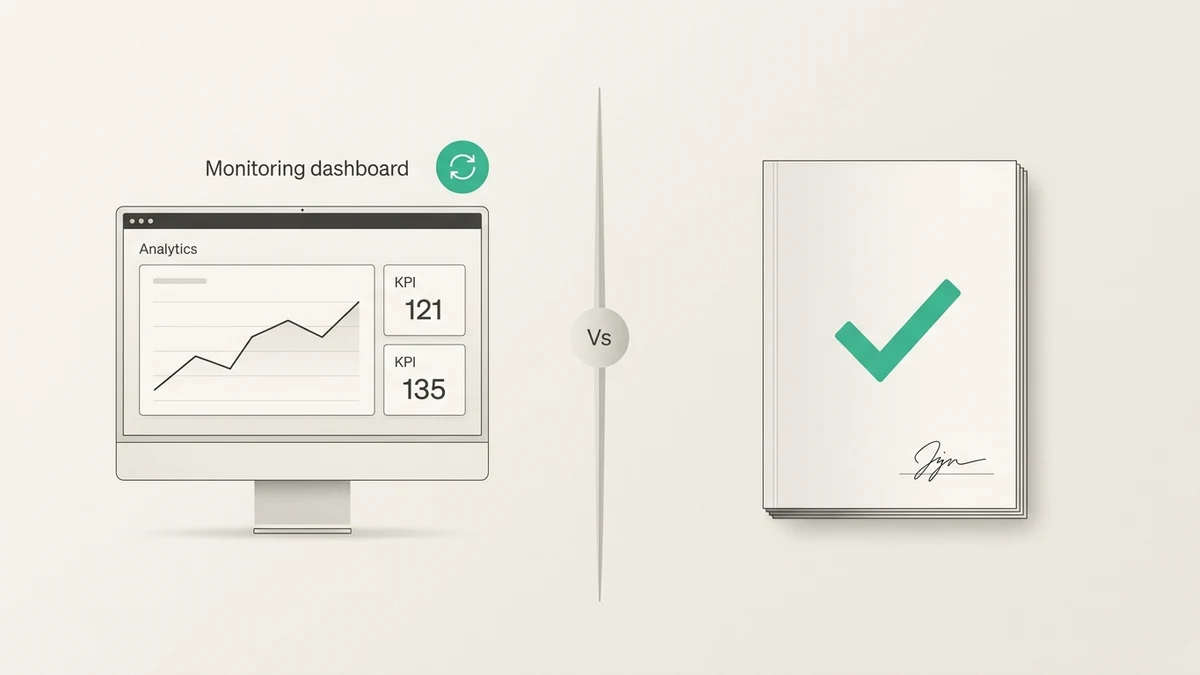
By the time you notice a traffic drop manually, you've already lost a day or a week. The fastest way to catch these earlier is automated monitoring: a tool that watches your GA4 metrics continuously and alerts you when something moves outside the normal range.
A few approaches that actually work:
- GA4's built-in "Insights": GA4 can surface automatic anomaly alerts for key metrics. Enable them under Admin → Property → Insights. They're coarse but free. For a deeper look at GA4's native AI features, see our GA4 AI features explained guide.
- Custom alerts in Looker Studio or BigQuery: Set up SQL-based alerts that email you when a metric drops below a threshold. Requires some engineering work but highly customizable.
- AI-based anomaly detection: Tools like Anomaly AI connect to GA4 directly and continuously monitor your metrics for unusual changes — without you having to define thresholds manually. They catch subtler drops that threshold-based alerts miss.
For a deeper dive into the detection approach, see our GA4 anomaly detection guide. And for the full toolkit overview, our GA4 data analysis tools comparison covers the complete landscape.
GA4 Traffic Drop FAQ
Why did my GA4 traffic suddenly drop?
The most common causes are broken tracking (missing tag after a deploy, GTM misconfiguration, consent mode issue), GA4 configuration changes (filters, data stream, custom dimensions), or external factors (Google algorithm update, ad spend change, seasonality). Work through the 15-point checklist above in order — the top items are the most common culprits.
How do I know if my GA4 tag is broken?
Open your site, then DevTools → Network tab. Filter for collect. If you don't see requests to google-analytics.com/g/collect firing on page load and events, your tag isn't working. Also right-click → View Source and search for your measurement ID (G-XXXXXXXXXX).
Can GA4 data be delayed or inaccurate?
Yes. GA4 processing can lag several hours (sometimes up to 48 hours) before data reflects in reports. Check Google's status dashboard. Also, high-traffic properties hit sampling thresholds which can make reports show inaccurate numbers until you narrow the scope.
Did the Google algorithm update cause my traffic drop?
If the drop is organic-search-specific and aligns with an announced Google update (core update, helpful content update, spam update), yes. Check Google's Search status dashboard and search for "google algorithm update [date]." If paid and direct traffic are stable but organic dropped, an algorithm update is a likely cause.
How can I monitor GA4 to catch traffic drops earlier?
Three options: enable GA4's built-in Insights for coarse alerts; set up custom threshold alerts via Looker Studio or BigQuery; or use an AI-based monitoring tool like Anomaly AI that continuously watches your metrics and surfaces unusual changes automatically.
Catch the next GA4 traffic drop before it costs you a week. Get started with Anomaly AI — connect your GA4 property and get continuous monitoring for anomalies, with plain-English explanations of what changed and why. Free tier, no credit card required.